
Gofta
AI sales and support for Instagram
Answer DMs, comments, and story replies with a smart assistant that stays on-brand—day and night.
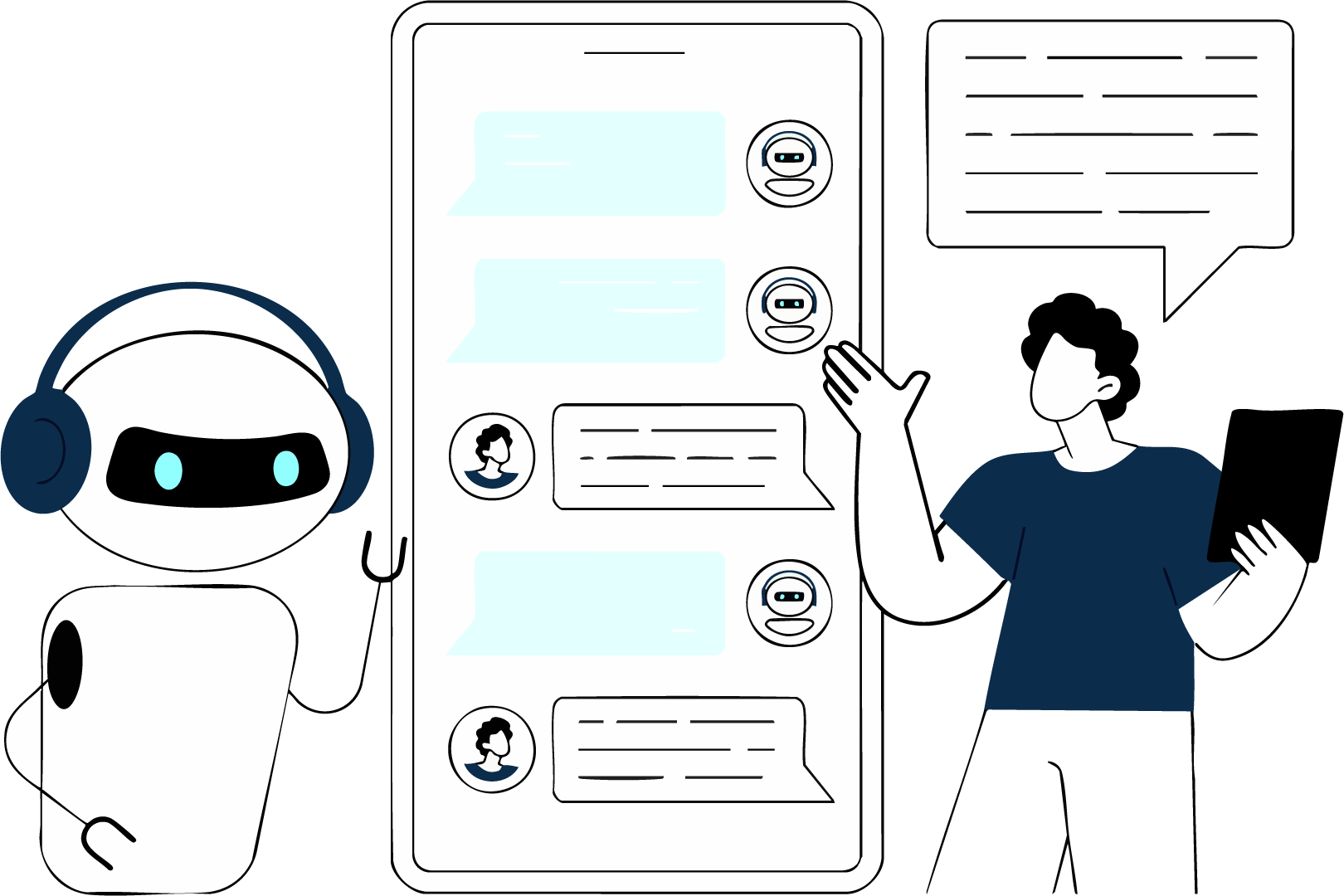
Built for Instagram conversations
Connect a Business or Creator account and let Gofta handle the busywork across the channels that matter on Instagram.
-
Direct messages
Reply to Instagram DMs with context-aware answers that match your tone and product knowledge.
-
Comments
Turn post comments into conversations—qualify interest and guide buyers without leaving Instagram.
-
Story replies
Respond to story replies quickly so warm leads never wait for business hours.
How to get started
For Instagram App Review, follow these steps to sign in and try the product.
- 1
Open the app
Go to the Gofta app and start from the login screen.
- 2
Log in with Instagram
Use Log in with Instagram—no phone OTP. Sign in with the account you want to review.
- 3
Connect your professional account
Link a Business or Creator Instagram account, confirm permissions, and explore DMs, comments, and story replies.